
The calm homeschool planner that keeps your records for you.
Plan each child's week, tick lessons as you go, and Homepen keeps the days, hours and portfolio your state asks for. No overdue lessons, no busywork at year end.

 Free on iPhone, iPad and Android.
What does your state ask?
See your state's to-do, with dates and official sources. New to this? How to start homeschooling.
What Homepen does
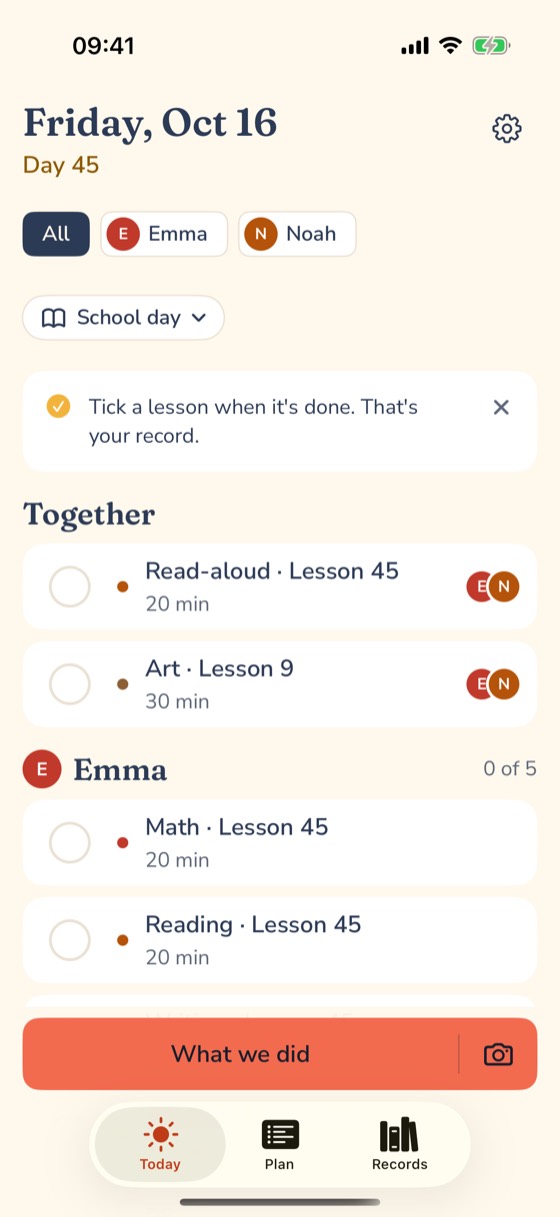
Lessons wait for you
Each subject is a simple list: Lesson 47 of 120. Miss a day and nothing goes overdue; the finish date just moves.
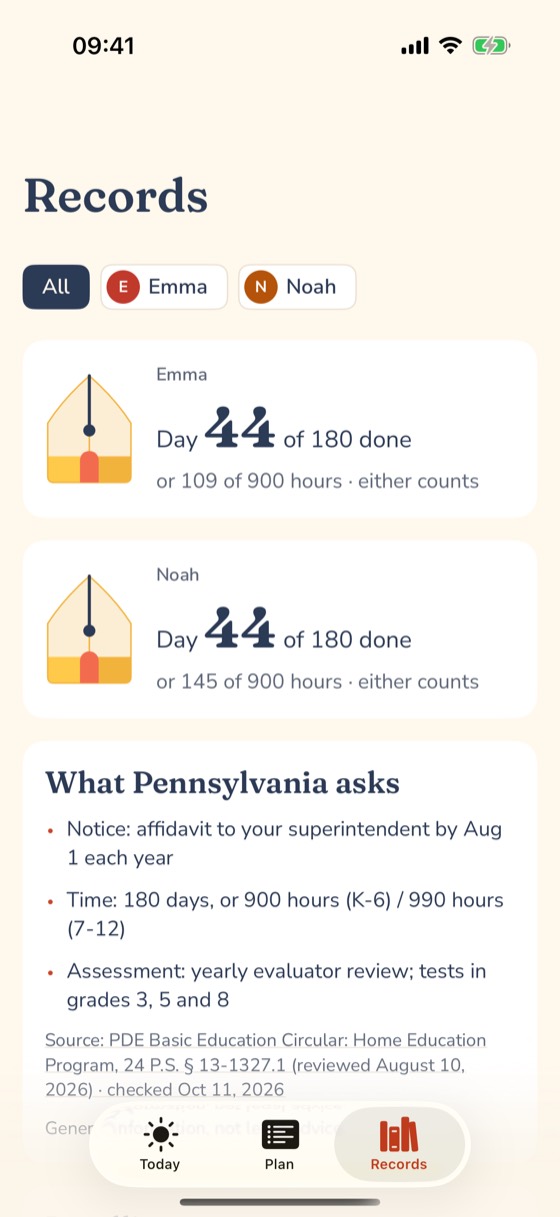
Your state, in plain words
Pick your state and Homepen counts toward its days or hours and reminds you of its deadlines, with the official source.
Records you can hand over
Attendance, portfolio with photos, report cards and a high-school transcript, printed from what you already logged.
Free tools you can use today
Simple pricing, one price per family
Free
$0
- Unlimited kids
- Plan the week and tick lessons
- Days and hours toward your state's goal
- Your state's to-do and reminders
- Attendance report and the Printable week
- Download everything, any time
Homepen Plus
$39.99 a year
7-day free trial · or $4.99 a month · or $89.99 once
- Everything in Free
- Share with your partner or a co-teacher
- Your state's paperwork, filled in
- Evaluator packet and portfolio
- Transcript and report cards
- The full Year in Review
Prices in the US. No per-child fees. If Plus ends, everything you made stays yours and export stays free.
Questions parents ask
Do I need to sign in?
No. Homepen works fully on your phone and gives each install a private account automatically. Sign in with Apple or Google when you want backup, a second device or a co-teacher.
What if we miss a day?
Nothing goes overdue. Lessons wait for you and the finish date just moves. Mark a sick day or a day off and the plan simply slides.
Can I use my own curriculum?
Yes. Start from our simple plan for each grade or add your own books and programs: set the number of lessons and the days you do them.
How many kids can I add?
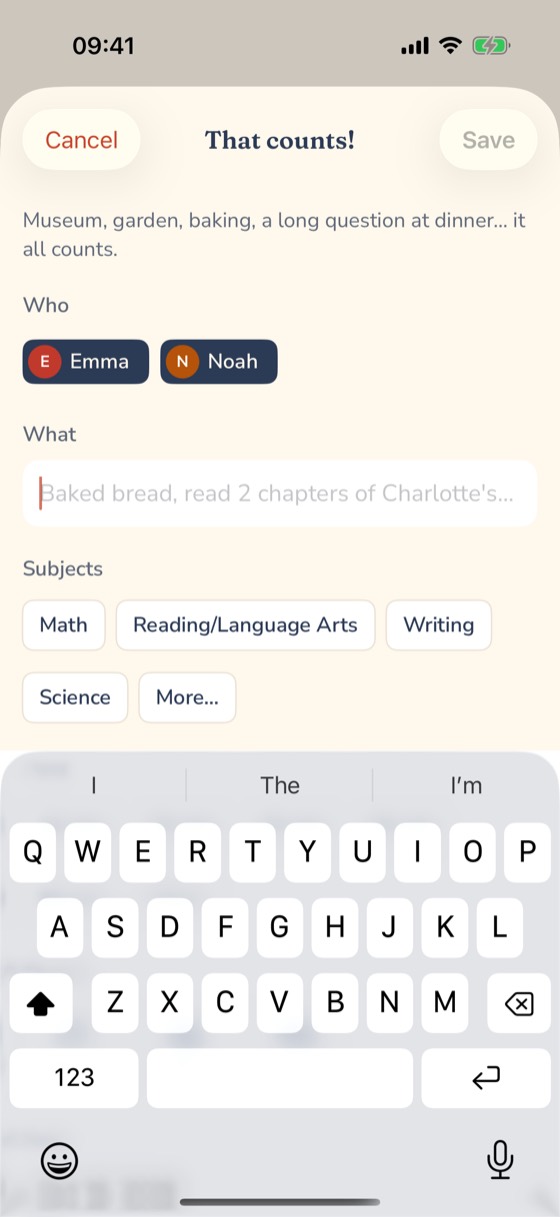
As many as you have. Subjects you teach together are ticked once for everyone. Pricing is per family, never per child.
Does it know my state's rules?
Yes. Pick your state and Homepen counts toward its days or hours and shows its deadlines, with the official sources and the date we checked them. It is general information, not legal advice.
Can I get my records out?
Always, for free: reports, spreadsheets, a full data file and your photos, in one download.
iPhone or Android?
Both, and iPad too: Homepen is free on the App Store and Google Play. Plus is optional, one price per family.